Introduction
OpenAI’s recent update appears to simply add a mobile entry point for Codex, but the real significance lies in transforming mobile devices into remote controllers for desktop AI programming assistants. Users no longer need to install a separate application; they can access Codex directly through the ChatGPT mobile app, connecting to a running Codex on macOS devices to issue tasks, monitor progress, and prompt updates. This step is far more impactful than merely adding another entry point.
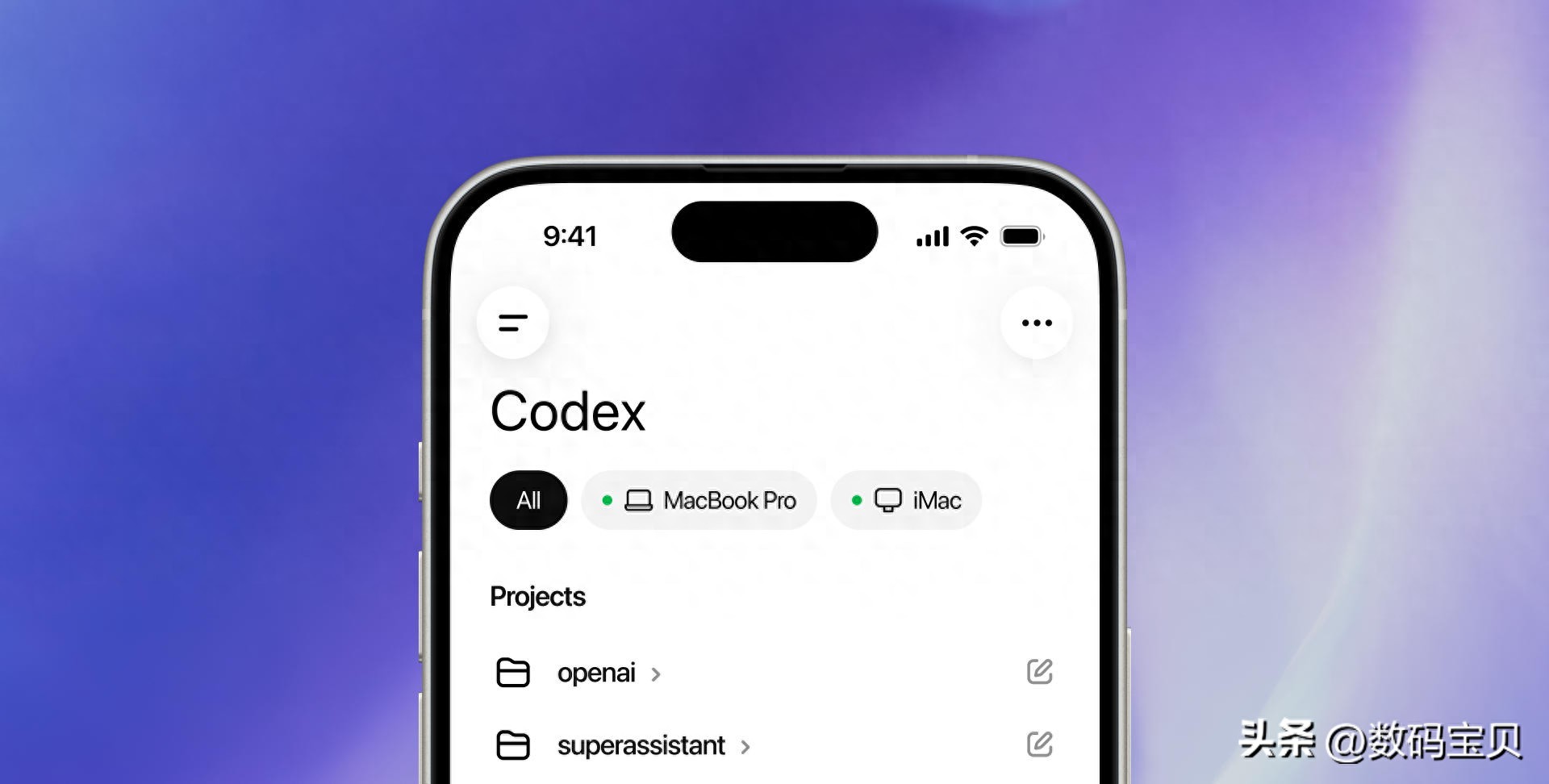
Mobile Experience
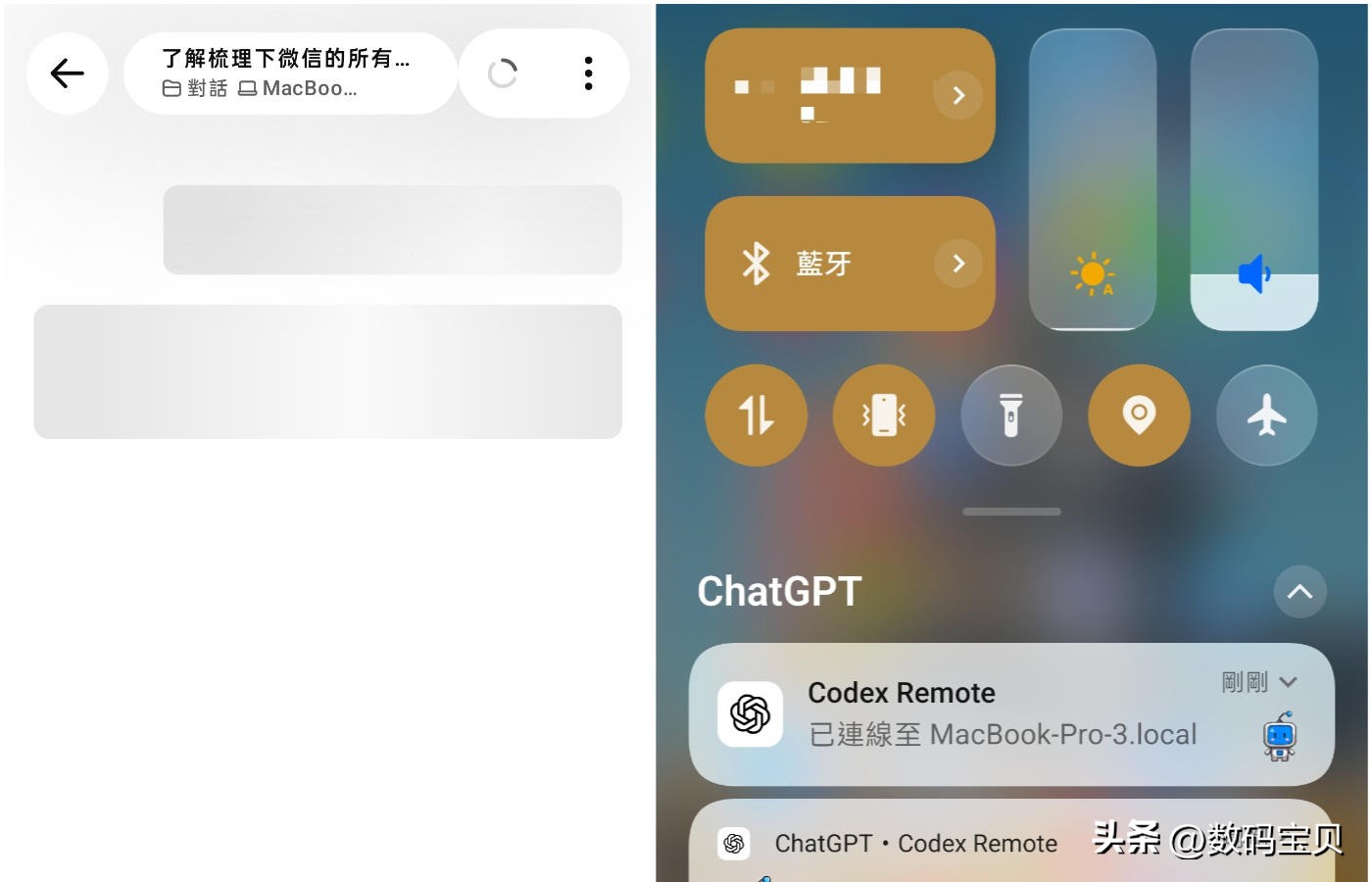
The current release is a Preview version available for both iOS and Android, with Windows support coming later. It does not transfer the entire Codex to mobile but instead turns the phone into a second control panel. The desktop Codex on a computer is still responsible for reading projects, modifying files, executing commands, and conducting tests. The mobile device handles issuing commands, checking statuses, continuing conversations, and making parameter adjustments. This division of labor is more practical, as coding on a small screen is not comfortable.
OpenAI has cleverly integrated the mobile version into the ChatGPT ecosystem rather than forcing it into a standalone development tool. The streamlined path and low learning curve mean that users can log in on both mobile and desktop with the same account and start using it immediately. For existing ChatGPT users, this presents almost no additional barriers. The success of a product often hinges not only on its capabilities but also on the willingness to install an extra app and remember another set of operations. OpenAI clearly aims to eliminate this hurdle.
Functionality and Limitations
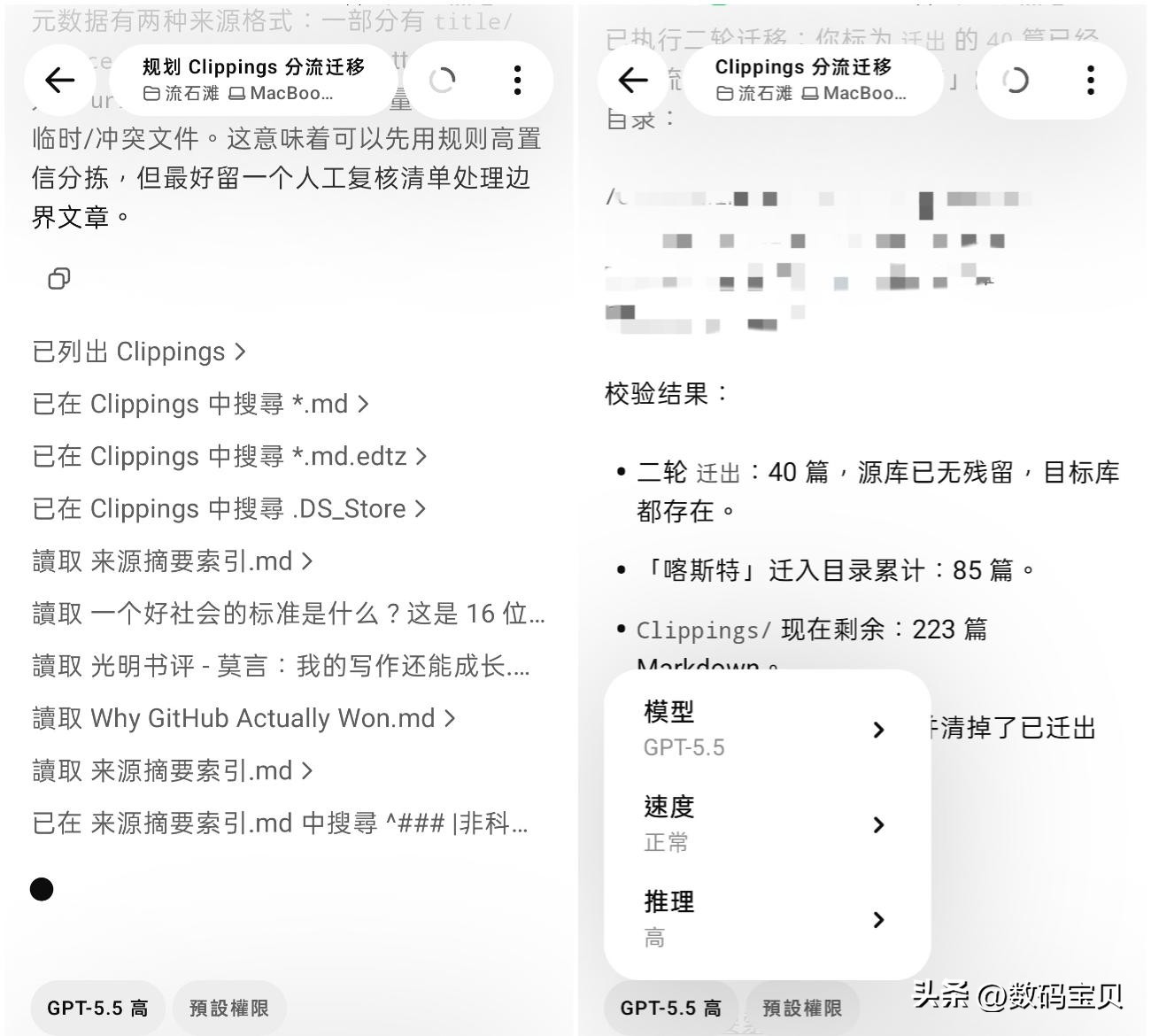
In practice, the mobile interface resembles a task dashboard. Users can start work on their computers and then monitor progress on their phones while on the go, observing which operations have been completed and whether tests have passed. Users can even adjust models, speeds, and reasoning levels from their phones. During busy times, it feels like carrying a working assistant in your pocket. However, many long tasks cannot be completed in just a minute or two, raising the question of whether one must stay tethered to their computer, underscoring the value of a mobile entry point.

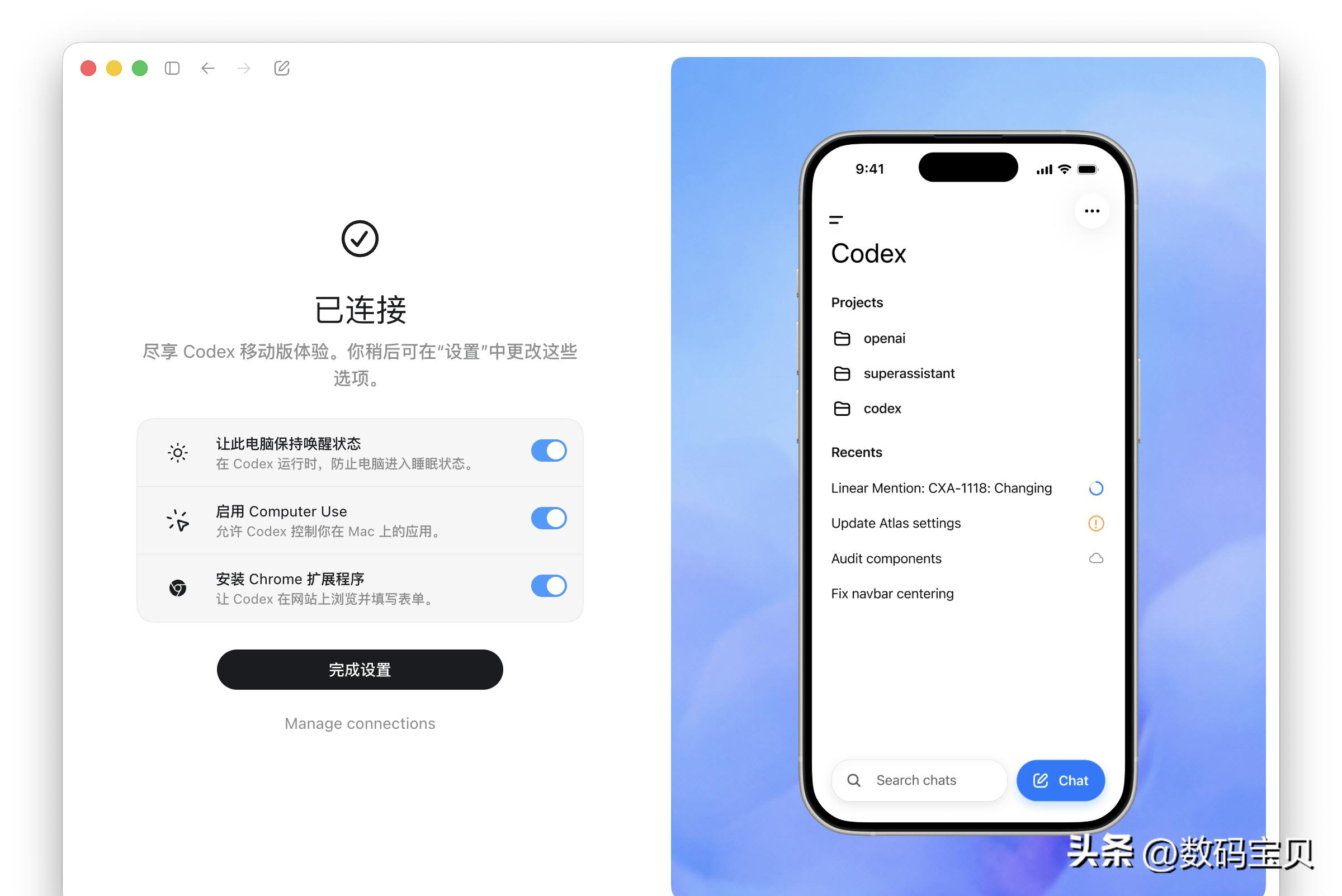
Moreover, it can connect to multiple Macs. If you have both a MacBook Pro and a Mac mini, you can switch between them using one phone, viewing tasks on different machines. This design aligns well with developers’ workflows, where one machine is used for regular projects and another for heavy tasks. Previously, these environments were scattered; now, they are at least moving towards a unified entry point.
However, usability does not equate to seamlessness. The Codex mobile app currently has two notable shortcomings. First, conversations cannot be edited, which is particularly problematic on mobile. While typing on a phone is fast, typos and missing context are more common, leading to frequent mistakes. If a remote scheduling tool cannot edit messages, users become more cautious, diminishing the ease of issuing tasks.
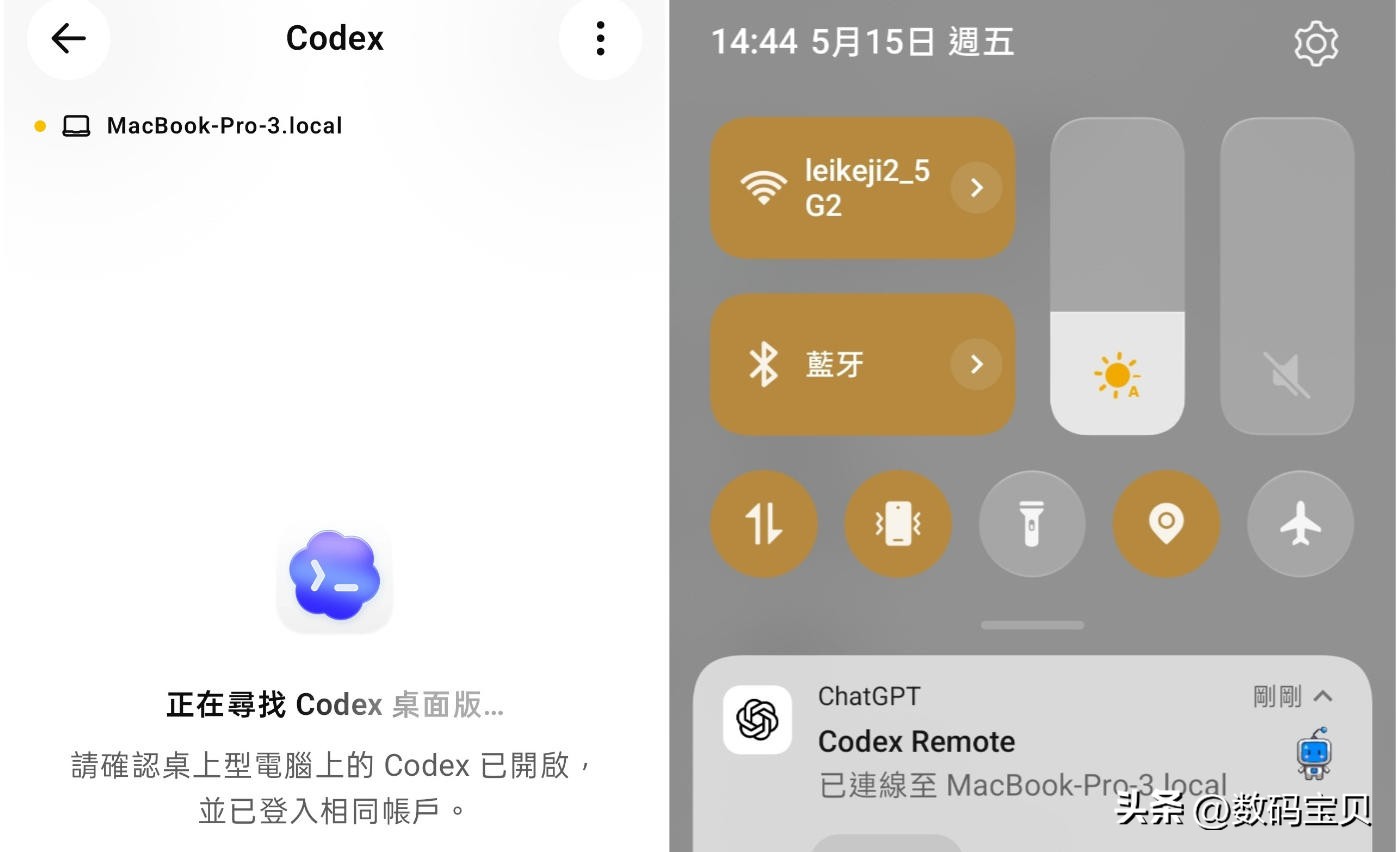
The second issue is frequent reconnections. You might compose a request only for the connection to drop, preventing the message from being sent. Sometimes, the desktop version continues running normally while the mobile app suddenly goes blank and enters a reconnecting state. While these issues typically do not affect the computer’s execution or the final results, they do detract from the interactive experience. Encountering such stability issues during the Preview phase is not surprising, but if they persist, they could tarnish the reputation of this model.
Competitive Landscape
Viewing this update within the broader context of Agent product competition reveals interesting dynamics. Many companies developing Agents are grappling with how to integrate mobile functionality. Two distinct paths have emerged.
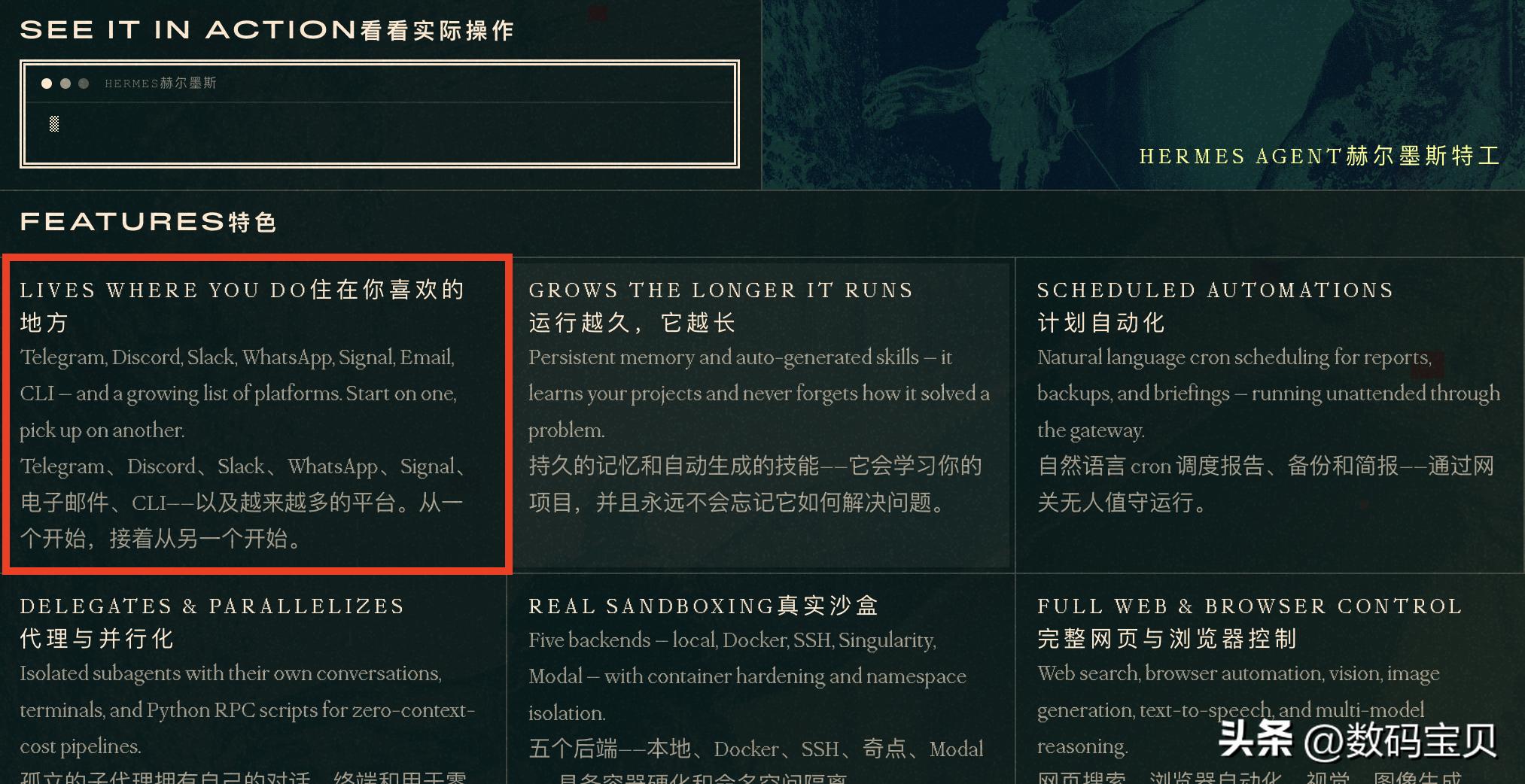
One approach integrates Agents into instant messaging (IM) platforms. Tools like OpenClaw and Hermes resemble placing robots into messaging apps like WeChat, Feishu, or Telegram. Users can send requests as easily as messaging a friend, facilitating research, reminders, and process continuation. This simplicity has contributed to the rapid growth of many open-source Agents this year, as the entry barrier is minimal, requiring almost no learning from users.
The other approach, exemplified by Codex and Claude Code, extends desktop workflows to mobile. Claude Code introduced a Dispatch-like feature in March, allowing mobile devices to command desktop tasks. Codex differentiates itself by achieving deeper synchronization, not just sending commands but also syncing the desktop’s thought processes, operations, and results to the mobile device. Users can see not only what has been completed but also how it was done, where it got stuck, and whether to proceed. This aspect is particularly crucial for AI coding products, as the process itself influences users’ willingness to delegate tasks.
Of course, IM integration has its advantages. For ordinary tasks, it is often faster, especially for lightweight needs like reminders, searches, and follow-ups. However, as tasks become more complex, chat bubbles can become cluttered. Changes made to files, tests run, and tools called all get mixed into the message stream, making it increasingly difficult to read. Codex’s app-based synchronization approach clearly targets complex tasks.
Another noteworthy detail is that the mobile app can connect not only to local desktop environments but also to Codex in the cloud. This indicates that OpenAI does not view it merely as a temporary remote viewer but as part of a new working methodology. Users can assign tasks to local machines or cloud environments, with the mobile device serving as a unified entry point. The desktop and mobile interfaces are no longer isolated products but different interfaces on the same task chain.
Conclusion
Ultimately, this update primarily impacts developers, especially those who delegate long tasks to AI. Tasks such as code generation, testing, and batch file modifications are increasingly suited for Agents to handle. Whether in meetings, commuting, or during meals, users can now take advantage of brief moments to check on task progress and decide whether to add a note. Ordinary users may not frequently utilize this in the short term, as not everyone needs to monitor AI coding remotely.
However, the direction is clear. The key is not just to enhance AI capabilities but to make them easier to access. While mobile devices may not be ideal for completing complex programming tasks independently, they serve well as scheduling entry points. OpenAI is clearly pursuing this path.
Looking ahead, two things remain to be seen: when Windows will catch up and when reconnection and conversation editing features will be added. The product concept is established, and the remaining challenge lies in the details. The ability to execute cross-device collaboration smoothly and efficiently will determine who can establish the next phase of AI Agent usage habits.
Comments
Discussion is powered by Giscus (GitHub Discussions). Add
repo,repoID,category, andcategoryIDunder[params.comments.giscus]inhugo.tomlusing the values from the Giscus setup tool.